
Private photo and video library
Immich hosting on Appbox. Back up phones, browse timelines and maps, and share albums on infrastructure you control behind platform-managed TLS.
What you get with Immich hosting
A full Immich stack with a public URL, install-time admin email and password, and the same web UI the upstream project ships.
Phone backup
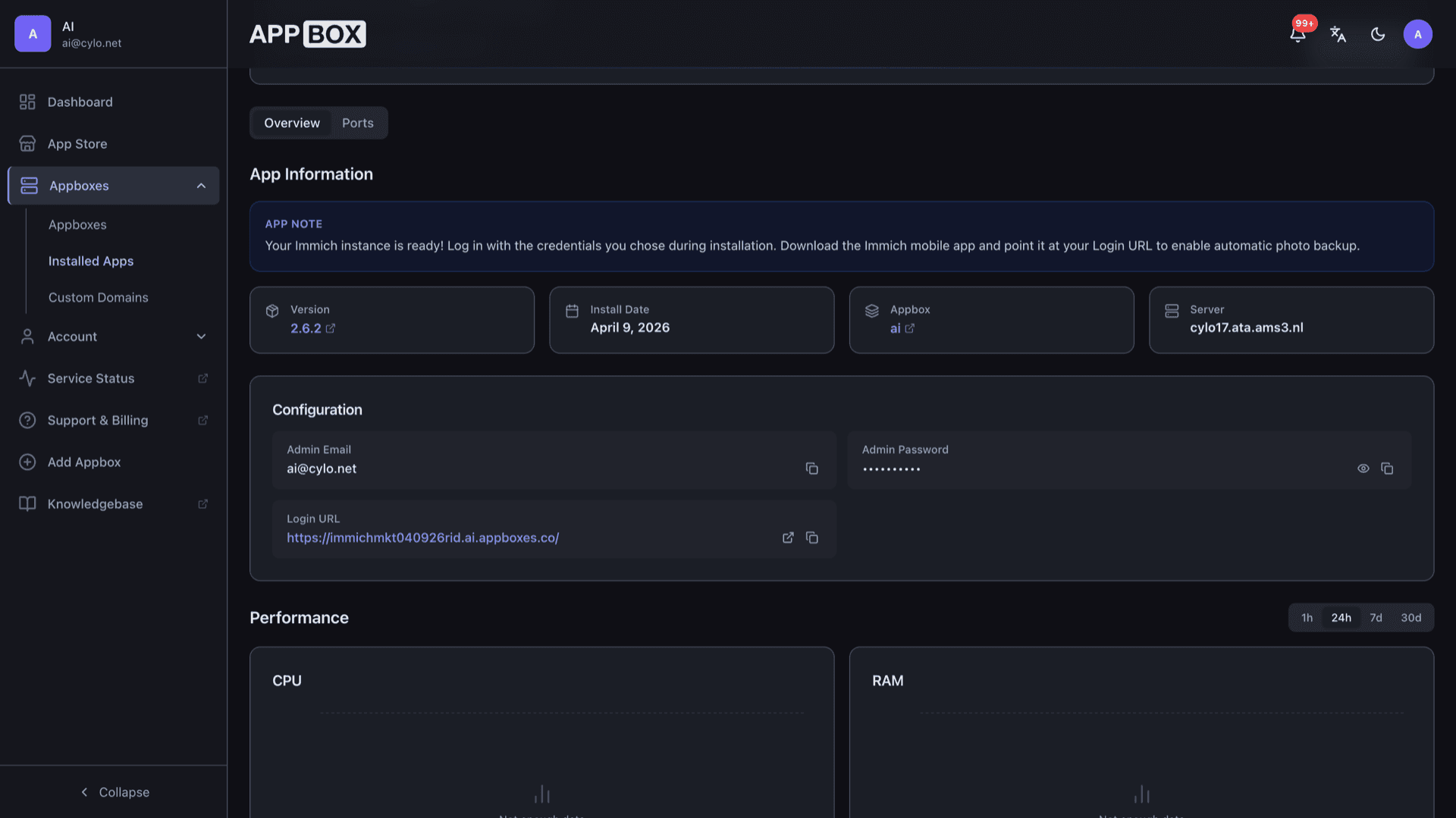
Install the official Immich apps, enter your Login URL from the Appbox Overview tab, and enable automatic uploads over HTTPS.
Web workspace
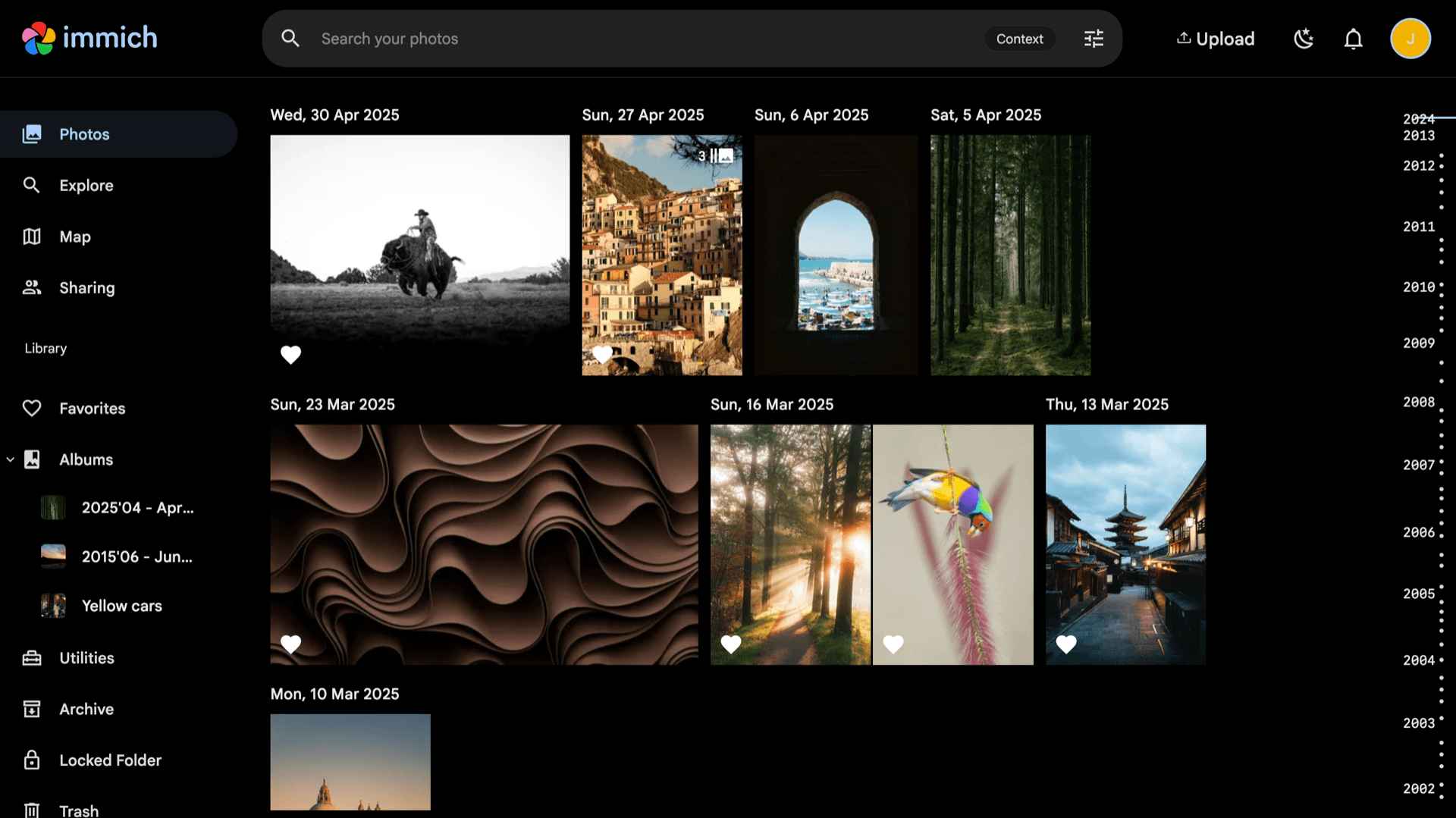
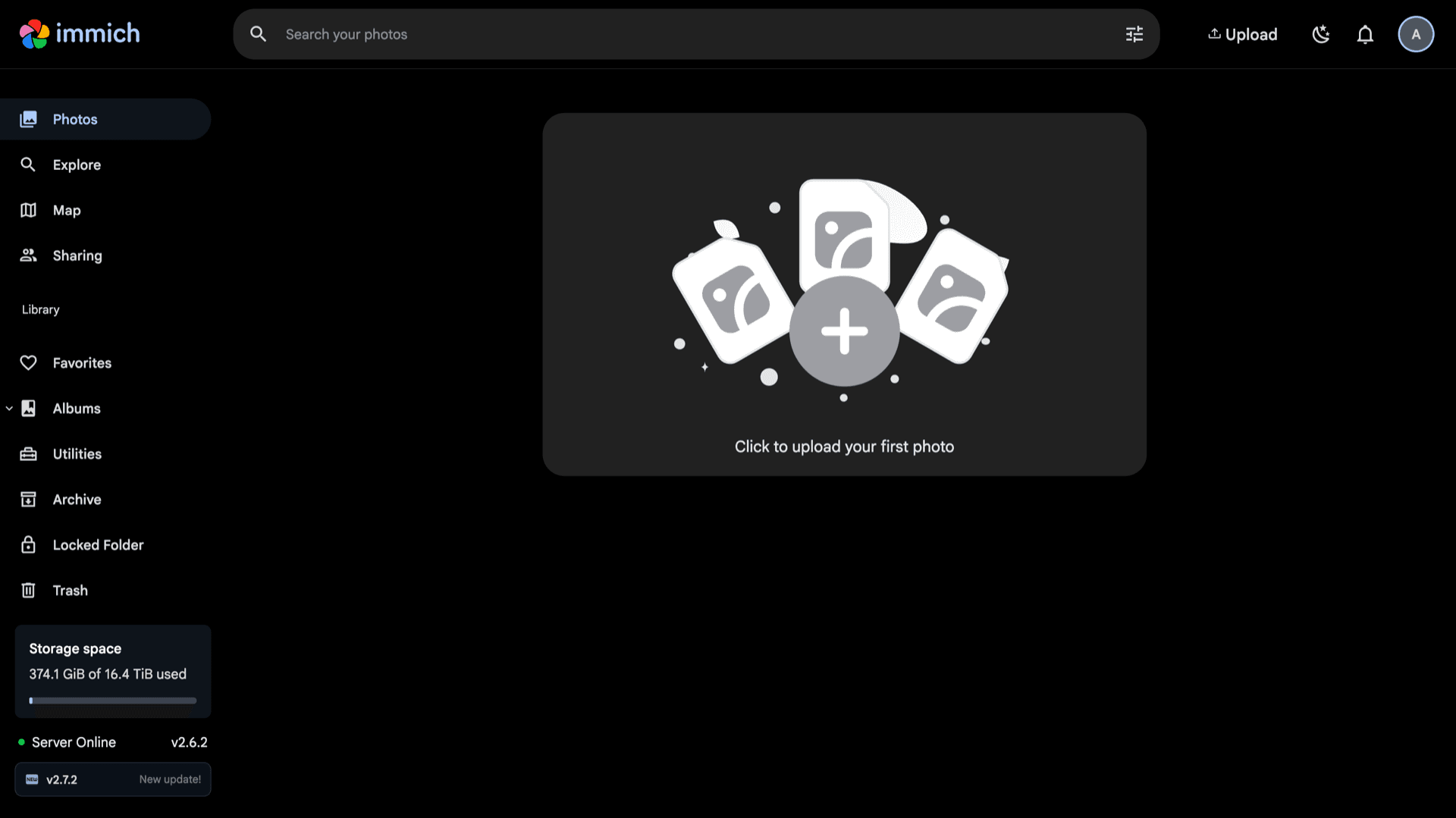
Open your instance URL, sign in, then use Photos, Explore, Map, albums, and utilities from the left navigation.
Timeline and albums
Browse by date, build albums, and use search and explore views to find shots without handing originals to a public cloud.
Sharing controls
Create users and shared links so family or collaborators see only the libraries you choose.
External libraries
Index existing folders on disk where the template exposes them, useful when you already keep archives on your Appbox storage.
Your hostname
The panel lists your HTTPS URL and copy actions. Clients and browsers should use that hostname so certificates stay valid.
See Immich on Appbox
Install in seconds
Pick your Appbox, fill in a few fields, and Immich is live.
Install Immich
Requires 1 App Slot
This demo shows what the installer looks like after you have an Appbox.
Multiplier
1.4x
Slot Cost
5 / 21
RAM
2.80 GB
CPUs
∞
✓ immich.steve.appboxes.co
Ready to install? You will need an active Appbox first.
This is a preview of the install form. Choose a plan to create your Appbox and deploy for real.
Running on Appbox
How this template fits the platform footprint and upgrade path.
Managed container
Immich runs as a single Appbox app with RAM and CPU on the instance page. You do not SSH into a VM; you administer through the web UI and panel actions.
Standard or ML
Pick the Standard build for core backup and browsing, or the ML build when you want face grouping and smarter search with a higher memory profile. Both are listed in the store versions table.
Image updates
Restarting the app from the panel pulls the current packaged image on the supported track, matching how other Appbox Docker apps receive updates.
Per-App Boost
Large libraries or heavy jobs can use more RAM and CPU. Increase resources with Per-App Boost instead of guessing at host limits.
Immich vs Google Photos
| Feature | Immich (self-hosted) | Google Photos |
|---|---|---|
| Data residency | On your Appbox storage | Google cloud infrastructure |
| Subscription | Appbox plan and slots | Storage tiers and Google One |
| Account | No Google account required | Google account |
| ML features | Optional ML version on Appbox | Built-in cloud ML |
| Open source | AGPL stack you can inspect | Proprietary service |
| Mobile backup | Official apps to your URL | Native Google backup |
First login
Frequently asked questions
Deploy Immich on Appbox
Spin up private photo and video hosting with HTTPS and a short install form. Connect mobile apps to your URL once the instance is running.
Available versions
| Version | App Slots | RAM | CPU | Released | Changes |
|---|---|---|---|---|---|
| 2.7.5 | 1 | 2 GB | Shared | Jun 23, 2026 | |
| 2.7.5-ml | 2 | 6 GB | Shared | Jun 23, 2026 | |
| 2.6.2 | 1 | 2 GB | Shared | Mar 31, 2026 | |
| 2.6.2-ml | 2 | 6 GB | Shared | Mar 31, 2026 |
Need more resources? Use Per-App Boost to allocate extra App Slots and increase RAM and CPU by 10% per slot. See the FAQ below for details.